Workspace features
Prepare the document.
Keep track of the job.
Create unlimited quotations, proposals and invoices. Keep them with the right customer, send them securely and give clients a portal with your branding.
Create your workspace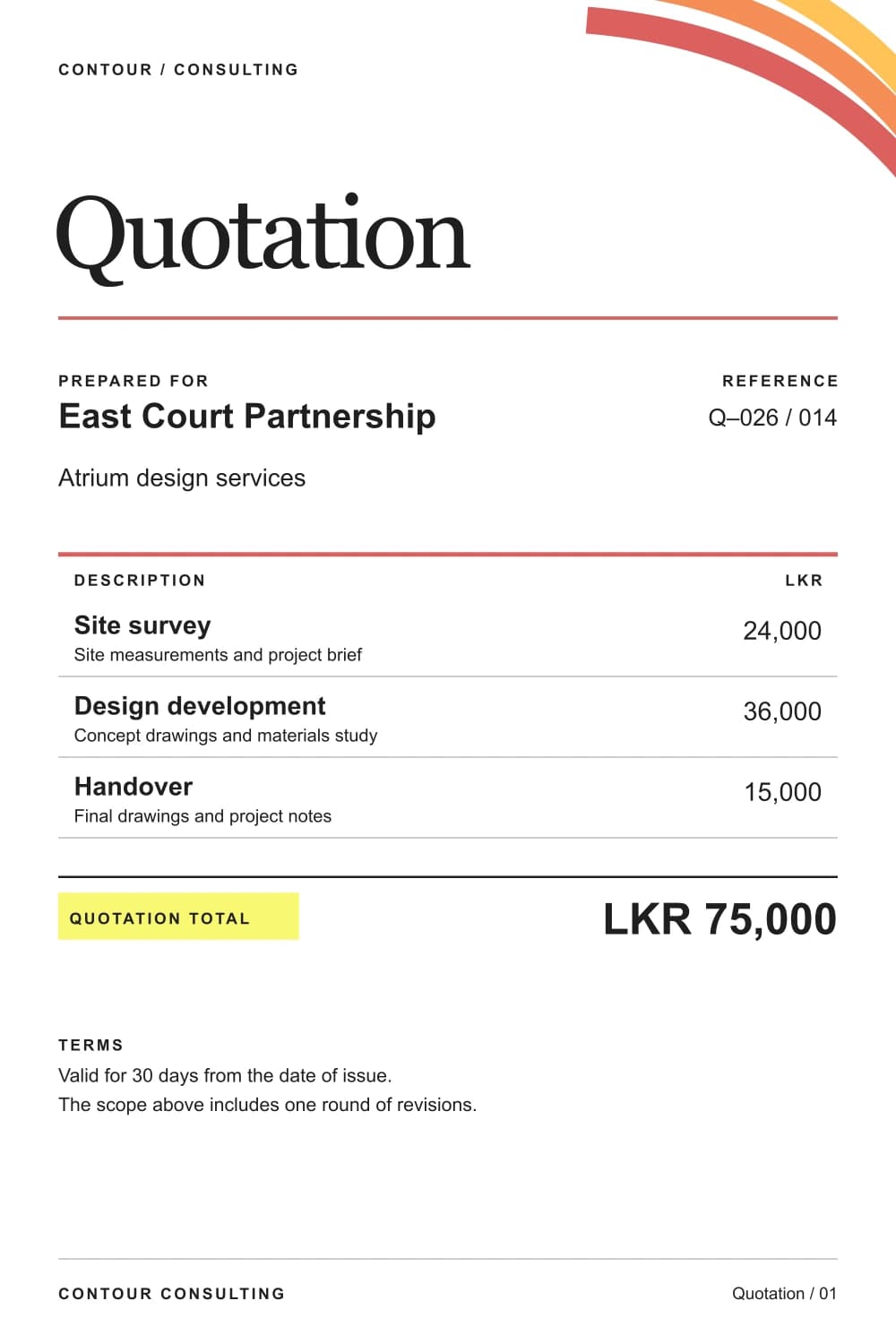
Create a quotation
List the work, quantities, prices and how long the offer is valid. Your client can see exactly what is included before they decide.

Write a proposal
Build a multi-page proposal from sections. Add your approach, photos, timeline and next steps in the order your client needs them.
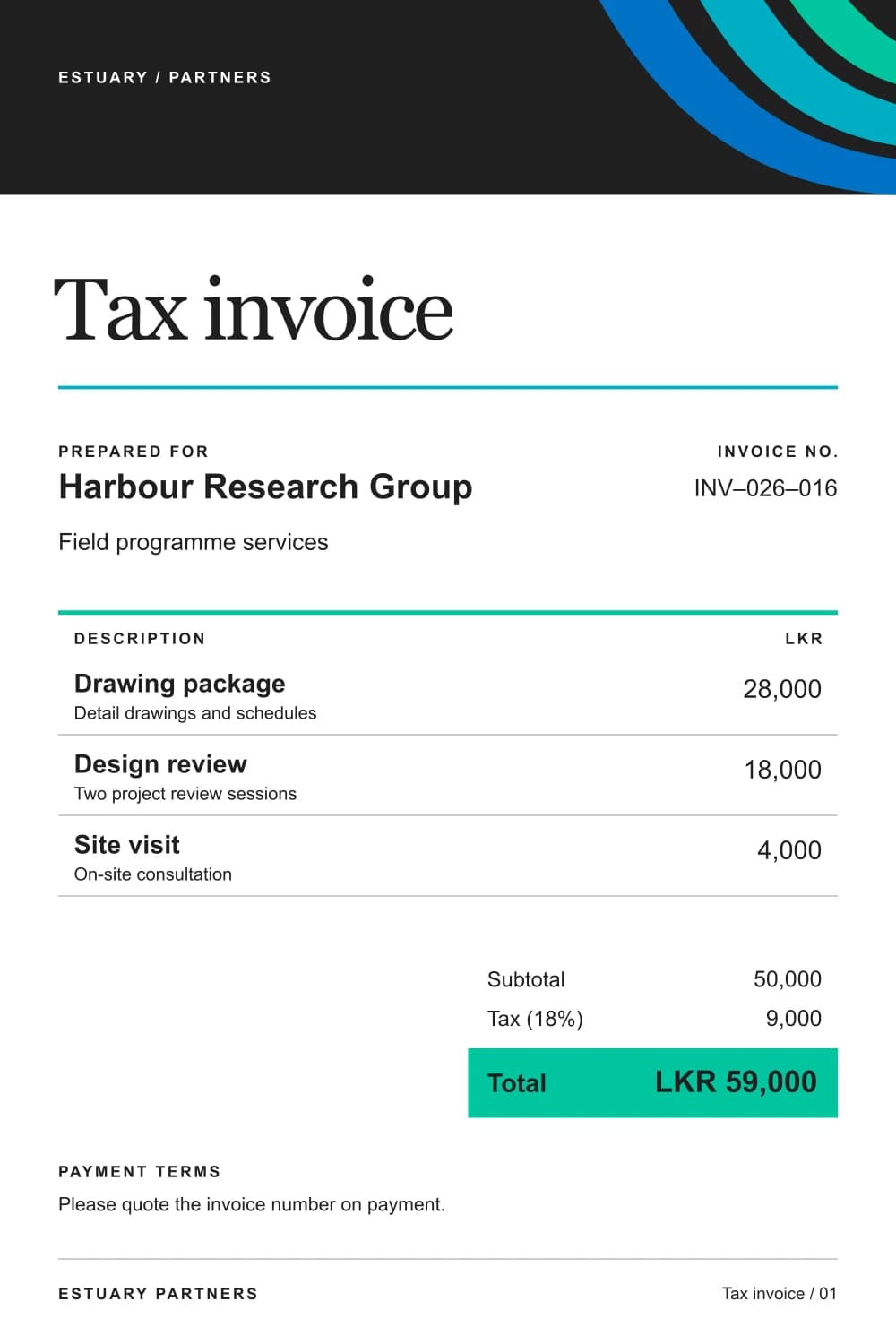
Issue a tax invoice
Add items and discounts, then apply your tax rates. Show registration details, a tax breakdown and the amount due on the invoice.
Give clients a portal with your name on it
Add your logo, choose colours and a font, and set the welcome message. Clients can return to one familiar place to find their published documents and invoices.
All the details.
Right here.
Your documents, updates and next steps.
Choose how clients verify their identity
Set the access needed to view or download a document. A link can ask for email verification, and portal access can require a customer account.
Collect proof of payment
An authorised billing contact can upload proof of payment for an invoice. Your team can review it alongside the invoice it belongs to.
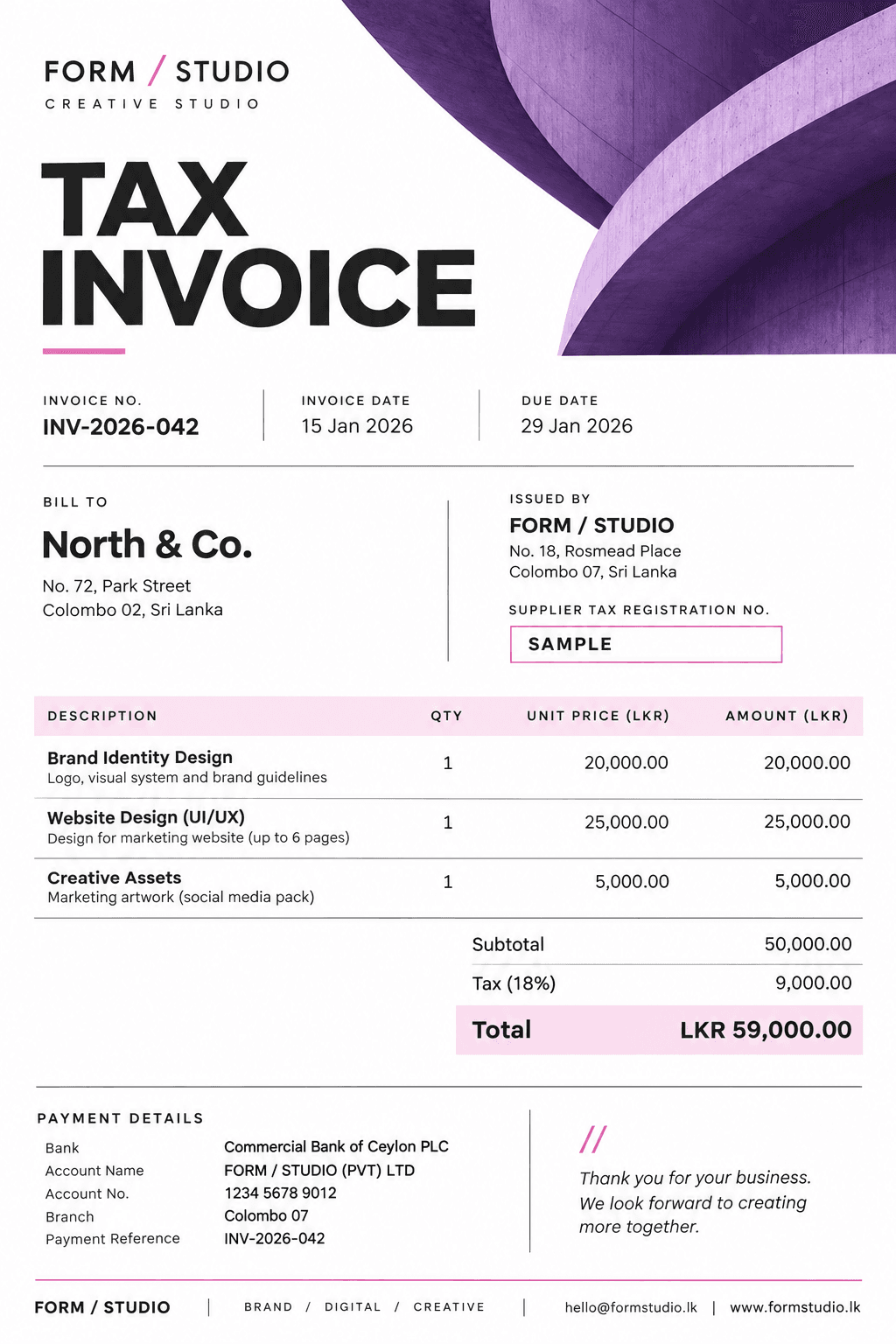
Get document templates designed for your business
Choose an existing design or have a layout created with your organisation’s branding. Momentum includes 2 custom-designed templates. Pro includes 5. Reuse them for the next client.
Get documents to clients
Generate a PDF
Publish a document, then generate its PDF with the design you selected. Download a copy to print or send. Daily allowances are 6 on Essentials, 30 on Momentum and unlimited on Pro.
Send a PDF by email
Select the published version and recipient. With email delivery connected, the workspace sends the PDF and keeps a record of the delivery.
Share a secure link
Send a link to a specific document version. Set an expiry date and revoke the link if the client should no longer have access.
Share through WhatsApp
Copy the secure link into your client’s WhatsApp conversation. They can open the document from the same chat where they asked for it.
Send a link by SMS
Put the document link in a text message for clients who prefer to use their phone. Custom delivery channels can also be connected for your organisation.
Use a QR code on paper
Copy a secure document link into your QR code maker and print the code on a job sheet. A client can scan it to open the document with the same access checks as the link.
Organise customers and jobs
Keep a record for each customer
Save the person or company once. Open their record to find contact details, projects and documents when they call again.
Group work by engagement
An engagement is a job or project for a customer. Keep its proposal, quote and invoice together. A one-off invoice can stand on its own.
Reuse products and services
Keep frequently sold items in your catalogue. Select a saved item on a new quotation or invoice and enter the quantity for this job.
Keep each organisation separate
When you work with more than one organisation, switch to the one you need. Each has its own customers, documents, branding and settings.
Give team members the right access
Invite people into your organisation and assign a role. Decide who can manage settings and who can carry out day-to-day work.
Keep the version your client received
Revise a published proposal or quotation as a new draft. The earlier version, its PDF and its delivery record stay available to your team.
Future custom development
Extend the workspace as your business grows
The current workspace focuses on documents and client relationships. Additional modules can be designed around your organisation. These are examples of future custom projects.
Accounting
Connect invoicing and payment records to an accounting workflow.
ERP
Connect jobs to stock, purchasing and other company operations.
Sales funnels
Follow an enquiry through its sales stages to a proposal or order.
AI assistance
Help teams prepare first drafts or find information in their records.